
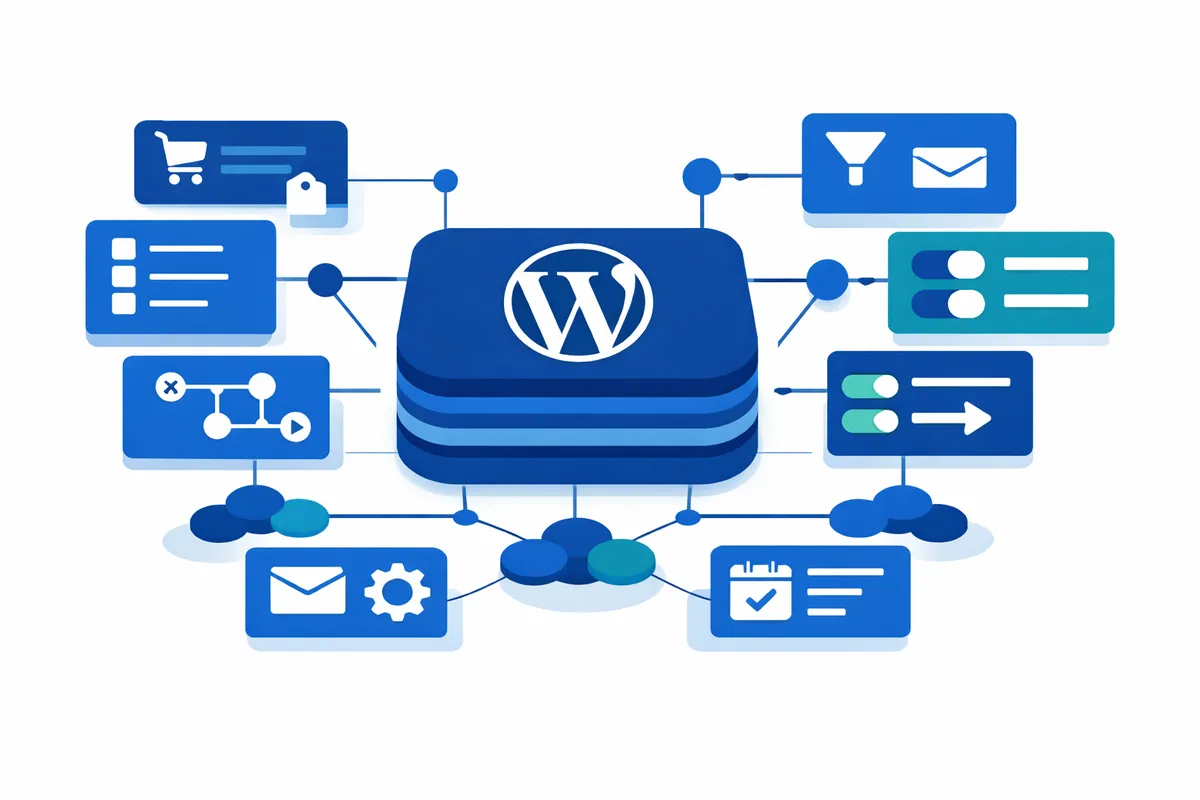
Self-Hosted CRM Integration Patterns: Connecting WordPress to FluentCRM and Groundhogg
Integration patterns for connecting WordPress to self-hosted CRMs. Covers FluentCRM and Groundhogg with WooCommerce, form plugins, and cost comparison.
Most WordPress CRM comparisons focus on feature lists and pricing tiers. But if you’re evaluating FluentCRM or Groundhogg, the question that matters most is: how does this integrate with my existing WordPress setup?
Self-hosted CRMs eliminate per-contact pricing that scales unpredictably with SaaS alternatives. More importantly, they keep your customer data on your own infrastructure. This guide focuses on integration patterns—how these platforms actually connect to WooCommerce, form plugins, and your broader WordPress ecosystem.
Understanding Self-Hosted CRM Integration
Before comparing specific platforms, it’s worth understanding the two integration approaches these CRMs use.
Native integrations are built directly into the CRM and work immediately after activation. Both FluentCRM and Groundhogg include native WordPress user sync, email campaign tools, and basic automation builders in their free versions.
Add-on integrations require additional extensions (free or paid) to connect with specific plugins. WooCommerce, Gravity Forms, and membership plugins typically fall into this category. Understanding which integrations require add-ons affects your total cost of ownership.
Both platforms also expose REST APIs and webhook endpoints for custom integrations, though most site owners won’t need to work at that level.
FluentCRM Integration Patterns
FluentCRM (v2.9.87, 70,000+ active installations) takes a list-and-tag approach to contact segmentation. Contacts belong to lists and can have multiple tags applied based on behavior.
WooCommerce Integration
FluentCRM’s WooCommerce integration includes:
- Triggers: New order, order status changes (pending, completed, cancelled), subscription events
- Actions: Apply tags based on purchases, add customers to lists, send post-purchase sequences
- Data sync: Purchase history appears on contact profiles with revenue attribution
The free version provides basic WooCommerce triggers. The Pro version ($77-129/year for a single site) adds advanced automation actions and conditional logic.
Form Plugin Connectivity
FluentCRM connects to form plugins through webhooks or third-party bridges:
- Webhook approach: Configure your form plugin to send submissions to FluentCRM’s incoming webhook endpoint
- Field mapping: Map form fields to contact properties and apply tags automatically
- Automation triggering: Form submissions can start email sequences immediately
This works with Gravity Forms, WPForms, Fluent Forms, and most form plugins supporting webhooks.
When FluentCRM Fits
Choose FluentCRM when you need straightforward email automation with WooCommerce, prefer a simpler interface, or want lower entry cost for a single site.
Groundhogg Integration Patterns
Groundhogg (v4.2.10, 2,000+ active installations) uses a flow-based automation approach. The Flow Editor 4.0 provides visual automation building with conditional branching and A/B testing built into all plans.
WooCommerce Integration
Groundhogg’s e-commerce features include:
- Triggers: Order placed with subtotal conditions, cart abandonment detection, status changes with from/to filtering
- Actions: Dynamic cart content replacement codes, personalized coupon generation, cart restoration links
- Data sync: Revenue reporting, purchase history, product affinity tracking
WooCommerce integration requires the Pro plan ($600/year) or a separate WooCommerce extension.
Form Plugin Connectivity
Groundhogg offers an official Gravity Forms extension that provides direct integration:
- Benchmark trigger: Form submissions create flow entry points without webhooks
- Field mapping: Visual interface for mapping form fields to contact records
- No form modification: Integration wraps around existing forms without requiring changes
This approach is cleaner than webhook-based integration but requires the Gravity Forms extension.
When Groundhogg Fits
Choose Groundhogg when you need advanced automation logic (branching, A/B testing), prefer flow-based visual builders, or want full source code access (Groundhogg is open source on GitHub).
Cost Comparison: True Integration Costs
Base pricing tells only part of the story. Here’s what a typical integration actually costs:
| Cost Component | FluentCRM | Groundhogg |
|---|---|---|
| Base license (1 site) | $77-129/year | $240/year |
| WooCommerce integration | Included in Pro | Pro plan or addon |
| Gravity Forms integration | Via webhook (free) | Extension (addon) |
| SMTP service (required) | ~$20-50/year | ~$20-50/year |
| Year 1 Total | ~$100-180 | ~$260-650 |
Both platforms require an external SMTP service (Amazon SES, SendGrid, or similar) for reliable email delivery. This is standard practice for self-hosted email, not a limitation specific to either CRM.
SaaS Comparison Context
For reference, SaaS alternatives at 10,000 contacts typically cost:
- ActiveCampaign: $828+/year
- ConvertKit: $1,188+/year
- HubSpot Marketing Hub: $9,600+/year
Self-hosted options provide significant cost savings, especially as contact lists grow.
Decision Framework
Use this checklist to guide your selection:
Choose FluentCRM if:
- You primarily need email sequences triggered by WooCommerce purchases
- You prefer lower entry cost ($77-129 vs. $240+)
- You want the larger user community (70,000+ installs)
- Your automation logic is straightforward (no complex branching)
Choose Groundhogg if:
- You need advanced automation (A/B testing, conditional branching)
- You prefer visual flow-based automation design
- Open source access matters to your team
- You’re comfortable with higher licensing costs for more features
Moving Forward
Both FluentCRM and Groundhogg provide capable WordPress CRM functionality with different architectural approaches. FluentCRM offers simpler integration at lower cost; Groundhogg provides more sophisticated automation tools.
Whichever you choose, plan for SMTP infrastructure as part of your setup. Amazon SES offers the lowest cost at scale (~$0.10 per 1,000 emails), while SendGrid and Mailgun provide more turnkey configurations.
The right choice depends less on feature checklists and more on how the CRM fits your existing WordPress plugin ecosystem. Start with your integration requirements, then evaluate which platform connects most cleanly to your current setup.